Budget by paycheck, not by month
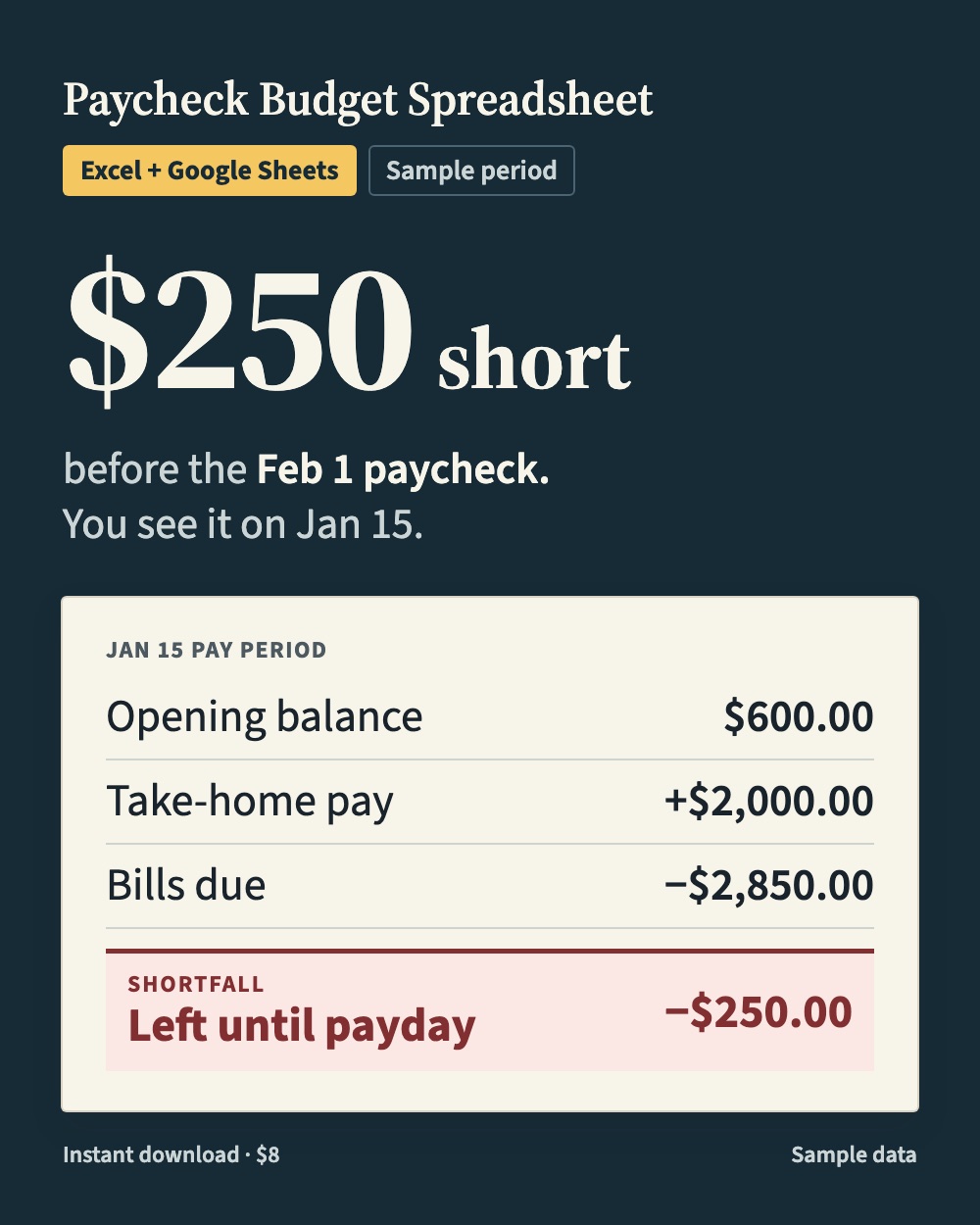
If you are paid every two weeks or twice a month, a monthly budget hides the real problem: a large bill can land between two paydays. This planner splits your bills by payday and carries what is left (or what is missing) into the next period.
- Enter your pay dates and take-home pay.
- Add one-time bills with due dates, and monthly bills once with the day they are due.
- Read the answer: every period shows bills due, cash left at close and a status: Covered or Shortfall.
A bill belongs to the last payday on or before its due date. A bill due on payday starts the new period. Pay dates entered out of order are flagged, so a typo does not quietly change the plan.
Details
| Files | Worked example (XLSX), blank planner (XLSX), one-page setup guide (PDF) |
| Works in | Microsoft Excel (desktop) and Google Sheets (File → Import). Set up in a desktop spreadsheet app. |
| Pay schedules | Biweekly or twice-monthly; any dates you enter |
| Capacity | Up to 200 pay dates, 200 one-time bills, 12 monthly bill rules |
| Not included | No macros, no bank connection, no subscription |
| License | Personal or commercial use of the files. Resale or redistribution is not allowed. |
| Made with | Created with AI assistance and reviewed by the seller. The example uses fictional data. |
Questions
Does it work on a phone?
You can view the file on a phone, but set it up on a computer in Excel or Google Sheets.
Is this financial advice?
No. It is a calculation tool that shows the dates and amounts you enter. Decisions remain yours.
What if I am paid on irregular dates?
Enter each pay date as it happens; the planner works with any dates in order. For very irregular income, a dedicated planner is in preparation.
How do I get the files?
After payment you are taken to the download page, and the receipt email from AgentaOS contains the purchase details. If anything goes wrong, write to digitalshop1902@gmail.com.